

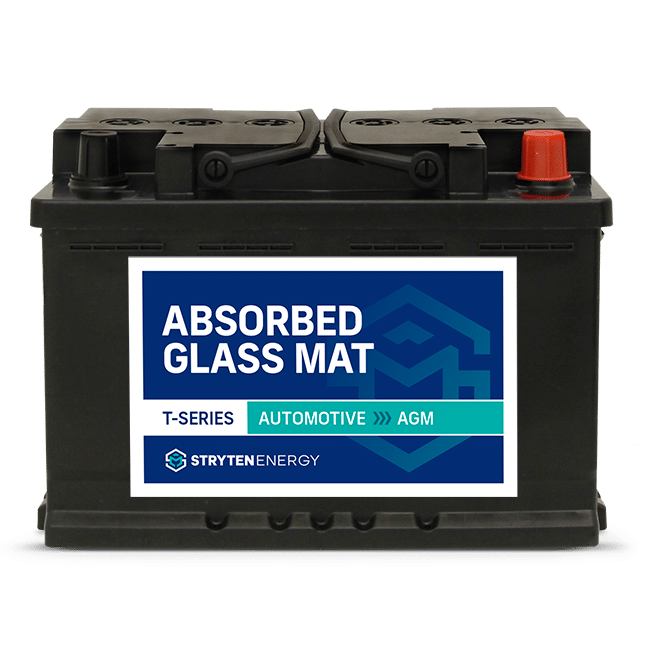
How to keep battery terminals from corroding
Corrosion can interfere with the battery’s ability to deliver power, leaving you with unreliable starts or electrical issues. Regular maintenance helps keep the terminals clean and your battery performing at its best.
1. Start with a Thorough Cleaning
Remove all corrosion before applying protective products.
- Disconnect the negative terminal before the positive.
- Use a baking soda and water mixture to neutralize acid deposits.
- Clean the battery posts and cable clamps with a wire brush.
- Rinse and dry the battery completely.
2. Seal the Battery Terminals
Protect the clean metal from future corrosion.
- Install anti-corrosion felt washers if available.
- Apply dielectric grease, petroleum jelly, or battery terminal protectant.
- Ensure all exposed metal is lightly coated.
3. Reconnect the Battery Correctly
Proper installation helps maintain a secure electrical connection.
- Attach the positive cable first.
- Connect the negative cable last.
- Tighten both terminals securely.
- Finish with a thin coat of protective grease.
- When Corrosion Is a Warning Sign
How to Prevent Battery Terminal Corrosion
Corrosion that repeatedly returns can indicate excessive battery age, overcharging, or heat buildup. Batteries that are three to five years old should be inspected regularly to ensure reliable performance.